CCNA-Level Networking

TCP/IP Networking – CCNA-Level

Build strong networking fundamentals. Configure real networks. Learn to troubleshoot.
Concept-First Learning
Practical & Hands-on
CCNA-Level Breadth
Troubleshooting-Focused
TCP/IP Networking CCNA-Level Training
60-75 Hours – Suggested Duration
15 Modules – Structured Curriculum
Instructor-Led – Hands-on Labs
1 Capstone – Multi-fault Troubleshooting Project

Course Highlights

Packet Tracer & Wireshark Hands-on Labs
Cisco IOS CLI Configuration Practice
VLANs, Trunking & OSPF Routing
Network Security with ACLs
IPv6 & Modern Network Automation
Real-World Troubleshooting Capstone
Most Popular

Build strong networking fundamentals. Configure real networks. Learn to troubleshoot.

CCNA-Level Networking Training with Hands-on Labs

A practical networking program designed to build CCNA-level breadth and hands-on understanding. The emphasis is on how packets move, how networks are configured, and how problems are diagnosed. The course covers network architecture, Ethernet, IP, TCP, UDP, ARP, ICMP and DNS, along with IPv4 addressing and subnetting. Learners will configure Cisco switches and routers using IOS CLI, work with VLANs, trunks, inter-VLAN routing and OSPF, and understand DHCP, DNS, NAT/PAT, ACLs and IPv6 fundamentals. Using Wireshark and network utilities, participants will learn to analyze traffic and apply a structured methodology to troubleshoot network failures.

Key Learning Outcomes

  • Understand network architecture and OSI/TCP-IP models
  • Perform IP addressing and VLSM subnetting
  • Configure VLANs, Trunking, and STP for switching
  • Implement OSPF routing protocols
  • Apply network security fundamentals (ACLs, Port Security)
  • Configure NAT/DHCP operations
  • Get introduced to network automation and programmability
  • Gain hands-on experience using Cisco Packet Tracer and GNS3
Course Curriculum

15 Modules — CCNA-Level Networking

Understand the concept -> visualize it -> practice it -> troubleshoot it -> apply it in a realistic problem.

LAN, WAN and Internet fundamentals; network devices and their roles; OSI and TCP/IP models; encapsulation and decapsulation; frames, packets and segments; TCP vs UDP, ports and protocols; bandwidth, latency and throughput; unicast, broadcast and multicast. Practical: Build a simple network, run ping, and observe the traffic using Wireshark.

Ethernet fundamentals; MAC addresses and frame structure; switch operation and MAC/CAM tables; MAC learning and forwarding; unknown unicast and broadcast flooding; broadcast domains; ARP fundamentals. Practical: Build a switched network and observe MAC learning and ARP behavior.

IPv4 addressing and binary conversion; subnet masks and CIDR; network and host portions; network and broadcast addresses; private and public IP ranges; subnet calculation; VLSM fundamentals; local vs remote destination decisions. Practical: Design an IP addressing plan for a multi-department network.

ARP request/reply and cache; default gateway; ICMP and ping; TTL and traceroute; Layer-2 vs Layer-3 forwarding; hop-by-hop delivery; MAC address changes across routers. Practical: Capture and analyze an end-to-end packet flow in Wireshark.

IOS modes and CLI navigation; interface configuration; IP addressing; SSH and basic management security; running and startup configuration; essential show commands; saving and restoring configuration. Practical: Configure Cisco routers and switches from a blank topology.

VLANs and broadcast domains; access ports; 802.1Q trunking; native VLAN concepts; VLAN configuration; Router-on-a-Stick; inter-VLAN routing; VLAN and trunk troubleshooting. Practical: Build a multi-VLAN network and troubleshoot a deliberately broken VLAN/trunk configuration.

Switching loops and broadcast storms; STP fundamentals; root bridge and port roles; path selection; Rapid STP concepts; PortFast and BPDU Guard concepts; EtherChannel; LACP fundamentals. Practical: Create a redundant switching topology and predict STP behavior before verifying it.

Routing tables; connected and local routes; static routes; default routes; next-hop routing; longest-prefix matching; route selection concepts; routing verification and troubleshooting. Practical: Configure multi-router static routing and diagnose incorrect routing decisions.

Static vs dynamic routing; OSPF fundamentals; neighbor relationships; router IDs; link-state concepts; OSPF cost; single-area OSPF; verification and troubleshooting. Practical: Build a multi-router OSPF topology, then diagnose a broken adjacency.

DHCP and DORA; DHCP relay; DNS fundamentals; NAT; PAT; NTP; SNMP concepts; Syslog concepts. Practical: Configure DHCP and NAT/PAT and observe the exchanges using packet captures.

Security fundamentals; standard and extended ACLs; wildcard masks; ACL placement; implicit deny; SSH and secure management; switch port security; basic Layer-2 security concepts. Practical: Implement traffic policies with ACLs and verify allowed and denied flows.

IPv6 structure and notation; global and link-local addresses; IPv6 multicast; Neighbor Discovery; SLAAC concepts; IPv6 configuration; IPv6 routing fundamentals. Practical: Build and verify an IPv6 network.

Wireless networking fundamentals; access points and SSIDs; WLAN architecture; channels and security; wireless controller concepts; enterprise LAN architecture; WAN fundamentals; redundancy and QoS concepts. Practical: Design a high-level enterprise topology and explain traffic flow between major components.

Control plane and data plane; SDN concepts; network controllers; REST APIs; JSON fundamentals; network automation concepts. Practical: Inspect a simple JSON representation of network data and discuss where automation fits.

IP addressing issues; VLAN and trunk problems; routing and OSPF issues; DHCP and NAT failures; ACL-related connectivity problems; DNS and reachability problems; troubleshooting methodology. Practical: Use Symptom -> Hypothesis -> Test -> Evidence -> Root Cause -> Fix -> Verification to solve a multi-fault network.

Course Fee

Limited Time Offer
22,000
28,00021% OFF
Enroll Now Talk to Our Trainers
  • Duration: 65 Hours:
  • Mode: Live Instructor based:
  • Tools: Packet Tracer + Wireshark:
Course Duration

Total Program Duration

60-75 Hours

Tools & Technologies

Cisco Packet Tracer for topology design, configuration and troubleshooting
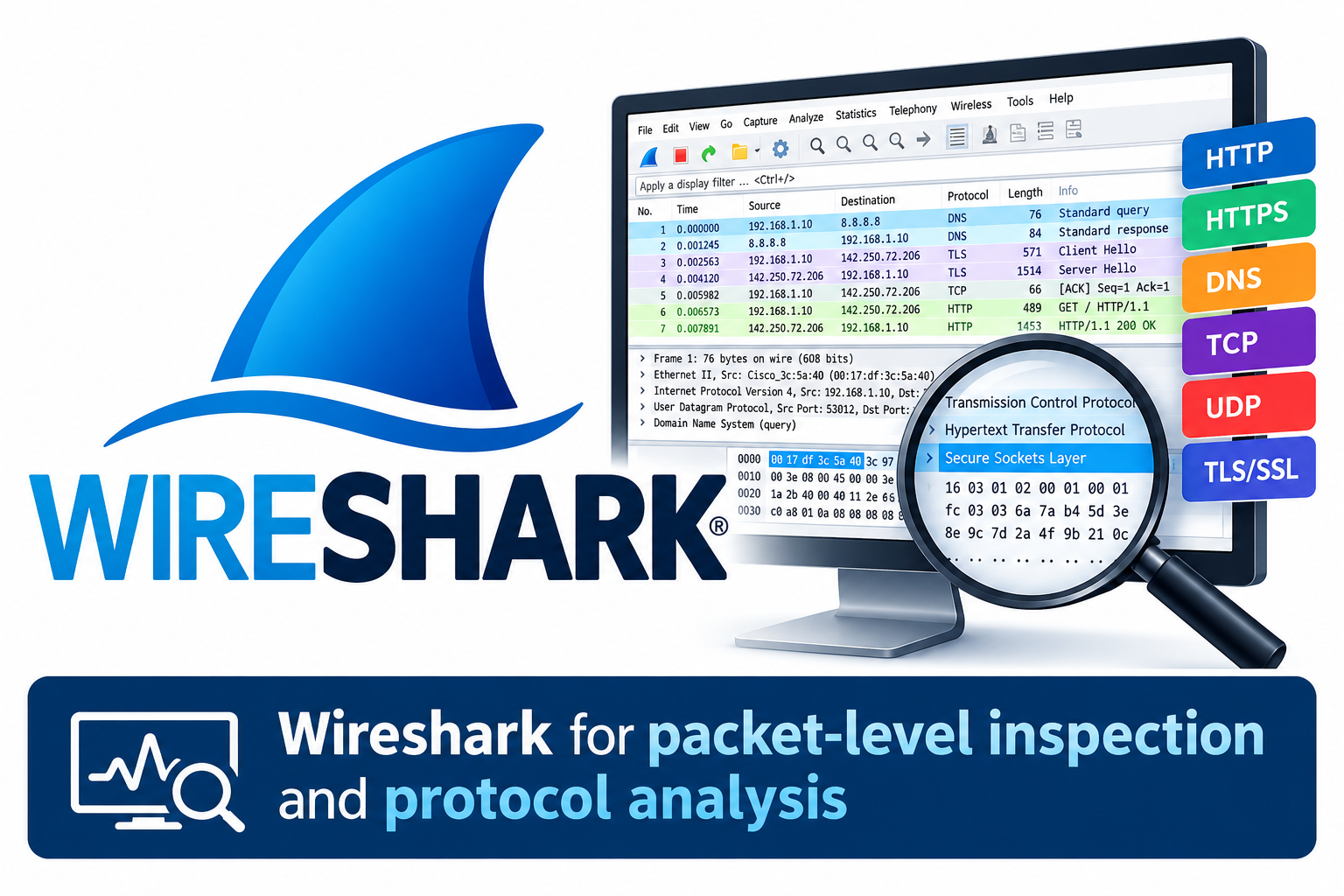
Wireshark for packet-level inspection and protocol analysis
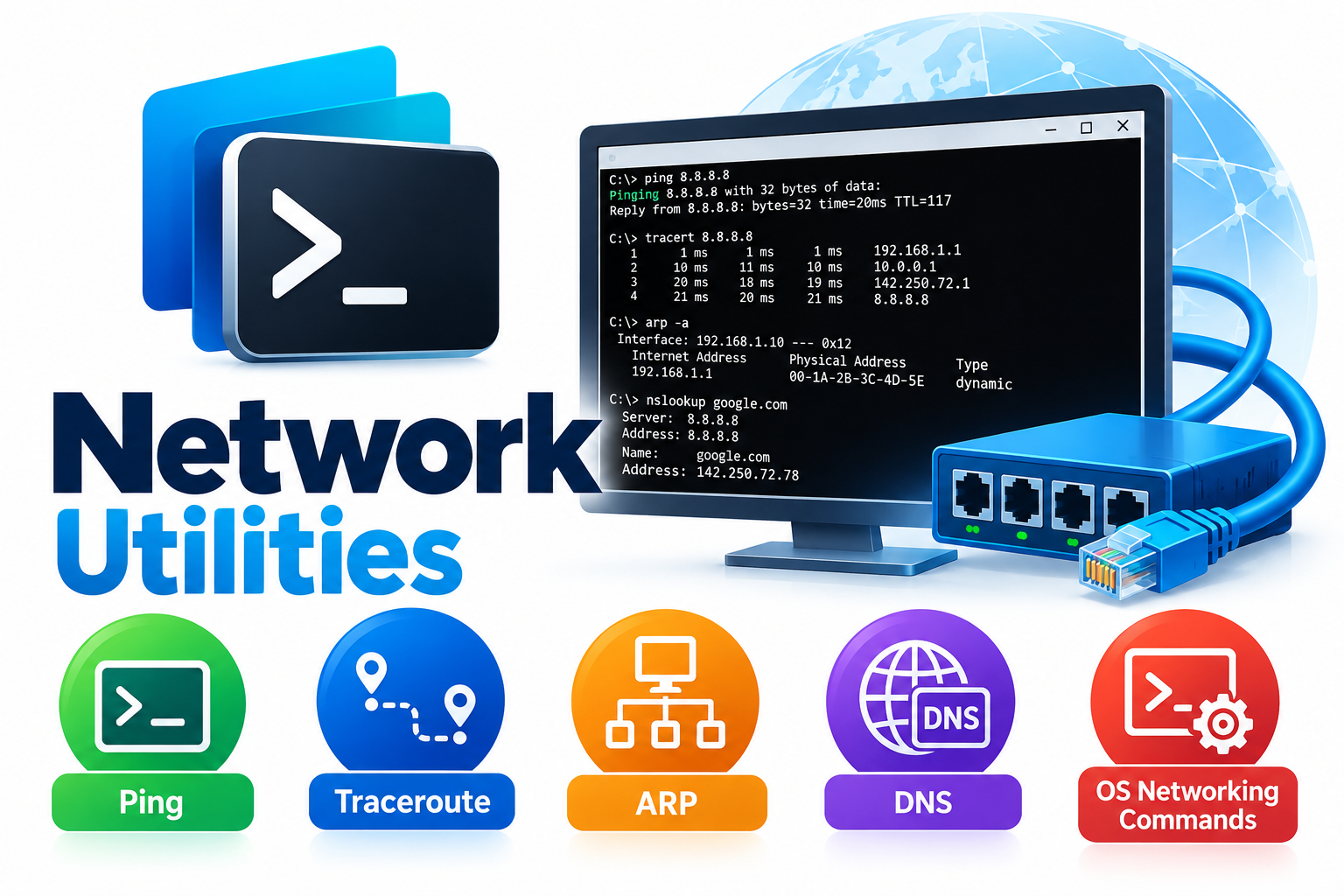
Ping, traceroute, ARP, DNS utilities and operating-system networking commands
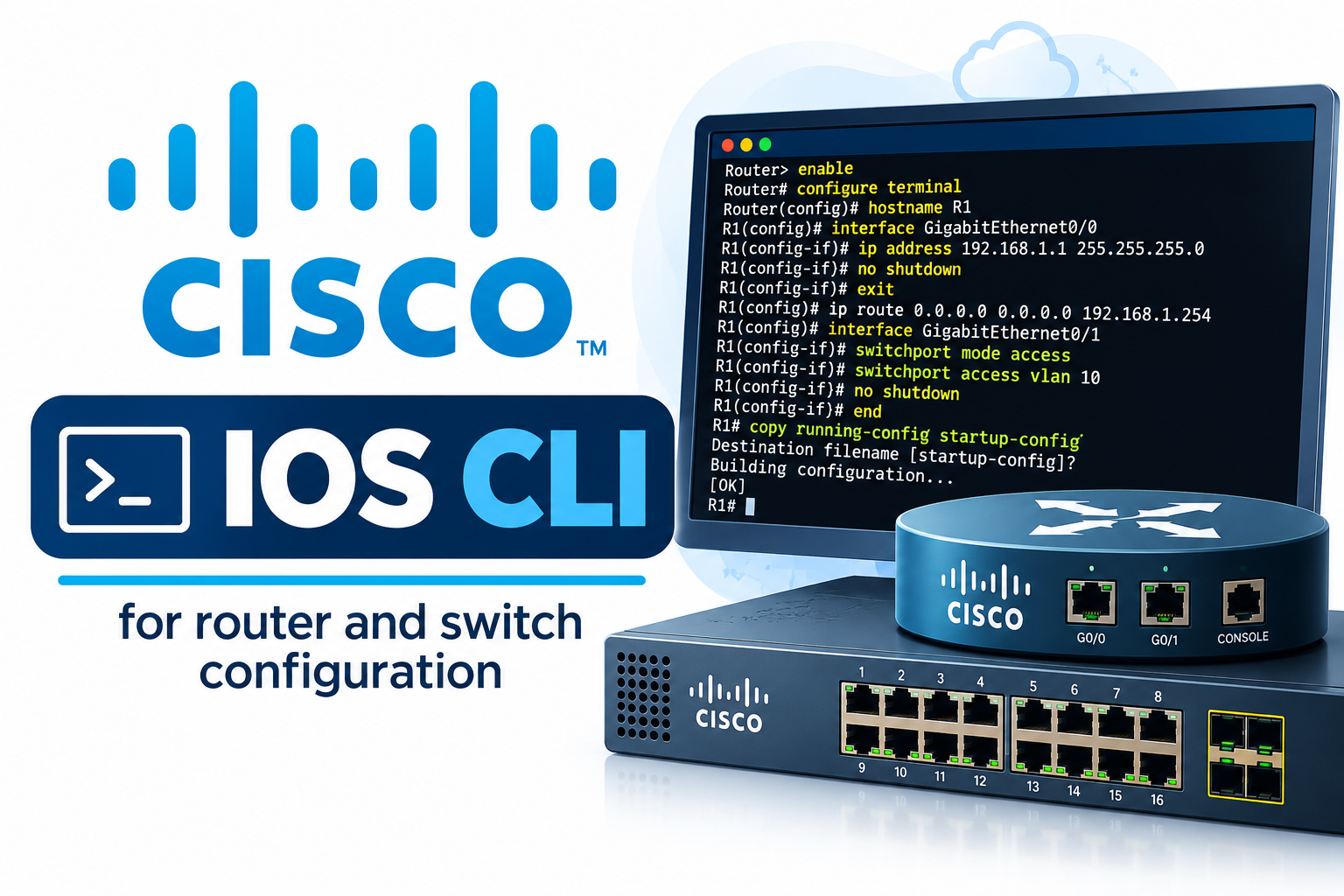
Cisco IOS CLI for router and switch configuration
Career Focus

Who Should Join This Course?

College students

Fresh graduates

Software engineers

IT professionals

Aspiring network engineers and learners who want practical CCNA-level networking knowledge.

Need Guidance?

Have questions about the course?

Build strong networking fundamentals. Configure real networks. Learn to troubleshoot — enroll now in this practical CCNA-level program.

Contact Trainers

Begin your Journey Now.

Get personalized guidance on the course, batches and enrollment.